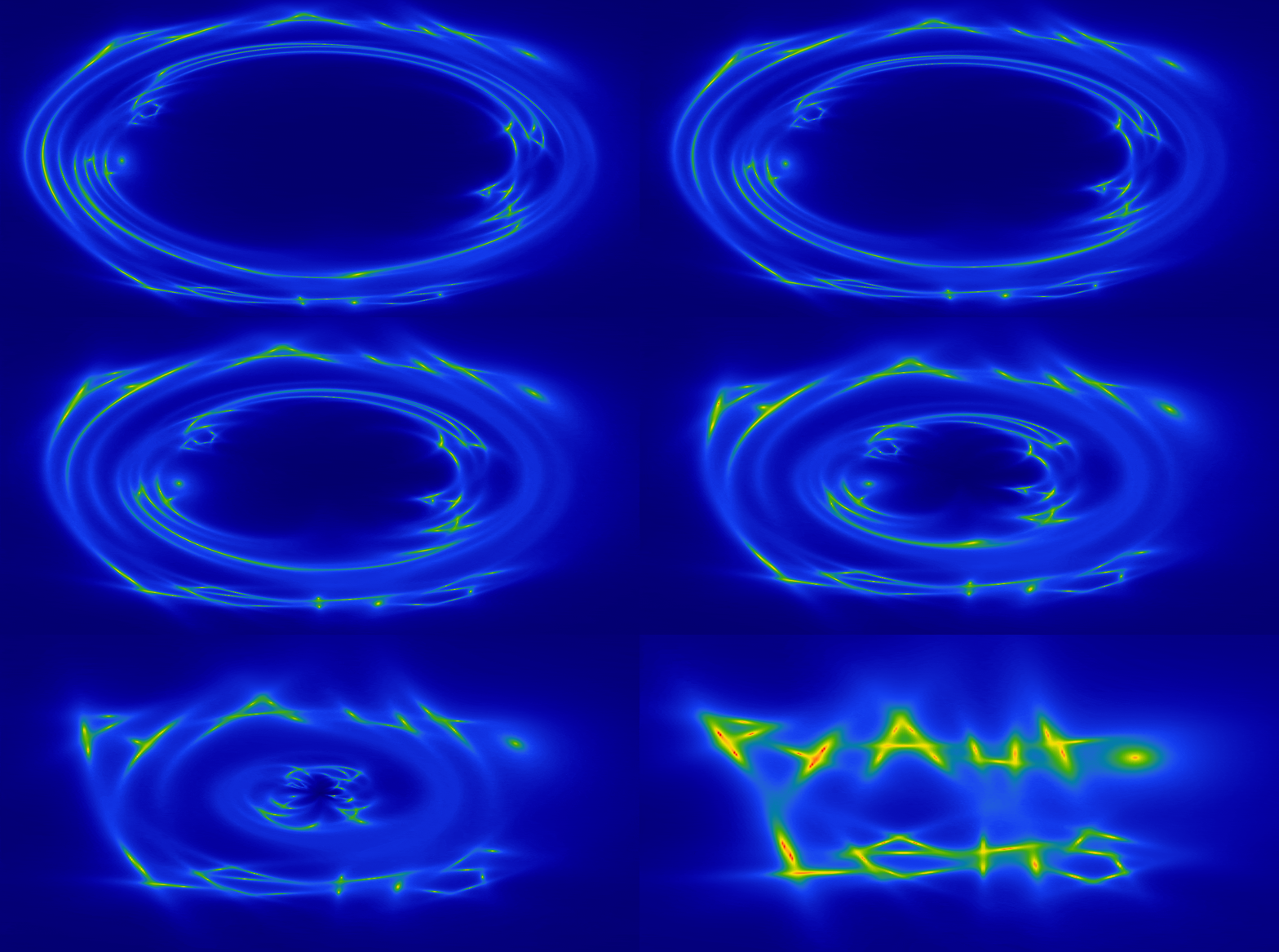
When two or more galaxies are aligned perfectly down our line-of-sight, the background galaxy appears multiple times. This is strong gravitational lensing, and PyAutoLens makes it simple to model strong gravitational lenses.
This repository is the PyAutoLens Assistant: an AI assistant you talk to in natural language to do gravitational lensing science. Describe your data, ask modelling questions, or discuss lensing theory — the assistant explains the science as it goes and writes runnable PyAutoLens Python workflows that stay in your repo.
Clone the autolens_assistant repo:
git clone https://github.com/PyAutoLabs/autolens_assistant.git
cd autolens_assistant
Open a CLI coding-agent session inside that directory. This is the primary and most capable way to use the assistant because the agent can read the full instructions, inspect data, write scripts, run checks, and keep project state with you. Coding agents often require a paid subscription or metered API account for sustained use, although limited free tiers and organization or student access may be available.
| Interface | Support | Access and cost | Notes |
|---|---|---|---|
| Claude Code | Primary; thoroughly tested | Normally a paid Claude subscription or metered API usage. | Loads the canonical instructions through CLAUDE.md. |
| Codex CLI | Primary; thoroughly tested | A limited free plan may be available; paid plans or API billing provide more usage. | Reads AGENTS.md directly and can edit and run the project locally. |
| Gemini CLI | Supported | Offers limited free quotas; subscriptions or usage billing provide higher limits. | Loads the repository instructions through .gemini/settings.json. |
| OpenCode | Supported | The client is open source; model-provider access may be free or paid. | Use it from the repository root so it can discover the project context. |
| GitHub Copilot CLI | Compatible; verification pending | Copilot Free has limited usage; paid or organization plans are common. | GitHub documents direct support for root AGENTS.md instructions. |
claude # alternatively: codex, gemini, opencode, or copilotThese agents load the project instructions automatically, so you do not need to paste a large system prompt. If PyAutoLens is not installed in the active environment, the assistant checks the setup and guides you through it. Then describe your science case or ask a question, see the example starting prompts below.
If you are more familiar with conversation-based AI assistants such as ChatGPT or Claude on the
web, you can still use autolens_assistant by giving the assistant the repository URL and opening
with the following prompt:
I'd like to use the PyAutoLens Assistant for this conversation:
https://github.com/PyAutoLabs/autolens_assistant

Please familiarize yourself with the project and use its guidance and scientific reference
material when answering my questions. I'll provide any local files or results you need.
This is effective for learning PyAutoLens, asking how to perform lensing calculations or modelling tasks, interpreting and debugging errors, and getting draft code. However, it is not fully agentic: the assistant cannot inspect your local data, run the code, or maintain a science project unless you provide the relevant files and outputs.
The assistant works in three modes, and you never have to choose one — it infers the mode
from your first message and tells you which it picked (e.g. "Mode: teacher — I'll explain
as we go."). If it guesses wrong, just say so. To set the mode yourself, start your message
with it (the examples below do exactly that); to make a choice permanent, drop a .mode file
in the repo containing teacher, assistant, or agent.
- Teacher — learn the workflow.
Teacher mode: I'm new to PyAutoLens — how do I model this image? - Assistant — do the workflow.
Assistant mode: set up a project for this dataset and write the first script. - Agent — run the project.
Agent mode: model this lens end-to-end and track progress across sessions.
Example Prompt 1 using Teacher Mode: Simulate Euclid imaging of a simple strong lens, fit it and then model it
A good first session if you're new to PyAutoLens and want to learn the modelling workflow end-to-end on data you generate yourself. Working from a simulation keeps things simple, the data is clean, you know the true answer, and there's nothing to inspect, so the focus stays on understanding each step.
Teacher mode.

I'm new to PyAutoLens and want to learn the basic workflow end-to-end. Can you
walk me through it on a simple simulated example: simulate Euclid-like imaging of
a simple strong lens (an isothermal mass with a Sersic source), then fit that
simulated data and recover the lens model.

Explain what each step is doing and why as we go: composing the lens and source
model, running the simulation, choosing the mask, the non-linear search, and how
to read the result. So I come away understanding the workflow, not just the
commands.
For users comfortable with strong lensing who just want the modelling done. It points the assistant at the bundled JWST data and asks for a pixelized source reconstruction, with concise output rather than a step-by-step tutorial.
Assistant mode.

Model the JWST imaging in dataset/imaging/cosmos_web_ring: perform data preparaton steps,
set up a sensible lens light and mass model with a pixelized source reconstruction, run
the fit, and show me the reconstructed source and the fit residuals.
Example Prompt 3 using Agent Mode: Detect a Dark Matter Subhalo in SLACS0946+1006 via Bayesian Model Comparison
For users already comfortable with strong lens modelling who want to see how far the assistant can be pushed in agent mode. SLACS0946+1006 has a famous subhalo detection that is argued to be unusually concentrated; this prompt asks the assistant to reproduce that detection and quantify the concentration via Bayesian model comparison.
Depending on your available hardware, this analysis may take hours. The last sentence of the prompt asks the agent to estimate the run time and, if needed, walk you through setting the analysis up on a High Performance Computer (HPC) you have access to.
Agent mode.

The strong lens SLACS0946+1006 famously has a dark matter subhalo
detection that many argue is unusually concentrated. I'd like to analyse
the HST imaging of this lens provided at
dataset/imaging/slacs0946+1006/ and reproduce that detection.

Specifically, I want this analysis to perform Bayesian model comparison
to (a) confirm a subhalo is preferred over a smooth-mass baseline by
fitting a free-position, free-mass SIS perturber across the image plane
and comparing the Bayesian evidence to the no-subhalo fit, and (b) test
the "super-concentrated" claim by comparing the SIS subhalo
against a more shallow NFW mass profile at the recovered position.

Set the pipeline up so the smooth lens light and mass model, the
pixelized source reconstruction, and the subhalo results are all
inspectable on my computer, and report the Bayesian evidence for each
comparison.

Assess whether the analysis will run fast on my laptop / PC GPU,
and if not, set this up as a small project on the HPC I have access to.
autolens_assistant is the copilot; a science project is a separate repo. This repo is
the assistant you clone once — its skills, wiki, and tooling. Your actual science lives in a
science project: a separate, self-contained git repo for one analysis or paper, created by
start-new-project. The project holds your data, config, scripts, results, and a
wiki/project/ journal; for the assistant's skills and reference wiki it refers back to
this autolens_assistant clone (cloning it on demand if absent), so there's one source of
truth and no drift. Quick exploration can happen inside this clone (e.g. the bundled-dataset
README examples); a real analysis headed for a paper gets its own project.
Starting one — and its whole lifecycle (create → work → collaborate → publish) — is handled by
the single start-new-project skill. Example prompts:
Start a science project for my SLACS0946 analysis.
Give me a collaborator update: best model so far, key figures, open concerns, next run.
Prepare this project for public release with the paper — keep the raw data private; make
the code, figures, manifests and citation publication-ready.
The assistant doesn't just know the PyAutoLens API — it ships with a
strong-lensing literature wiki at wiki/literature/ covering the
science the modelling is in service of. It has concept pages (mass-sheet
degeneracy, dark-matter substructure, time-delay cosmography, multipoles,
…), named-entity pages (SLACS, H0liCOW, TDCOSMO, Euclid Q1, Abell 1201,
…), and per-topic bibliographies summarising the relevant published
papers. When you ask a science question or start a modelling discussion,
the assistant grounds itself in this material rather than guessing from
general knowledge.
This is a base literature wiki — a self-contained starting point that ships with the assistant. It is intentionally not tied to any external paper archive: every page stands on its own and cites papers by arXiv/DOI link or author-year, so a fresh clone has full scientific context with nothing else to download. It is also deliberately not exhaustive. The wiki is yours to grow: as you work on a project, you add the papers, results and context your science needs, and from then on the assistant reasons and cites from them. (A future guided "new science project" workflow will walk you through this setup explicitly.)
If a paper matters to your science case and isn't in the wiki yet, you can ask the assistant to ingest it. Give it either a local PDF or an arXiv URL and it adds a summary to the right topic bibliography, cross- links the relevant concepts and entities, and from then on can cite the paper in answers:
Ingest the following paper into the literature wiki so you can use it
when we talk about subhalo detection:

  arXiv:2401.01234

(Or, if you have the PDF locally:
  /path/to/subhalo_paper.pdf)

Once it's ingested, summarise what it adds beyond what the wiki already
covers on dark-matter substructure.
The more papers relevant to your science case you load in, the better the assistant will be at framing decisions, citing prior work, and spotting when a result has caveats.
The assistant ships agent instructions and reference material derived from the public PyAuto* repositories. The underlying libraries are released under their own licenses (see each repo).